Hold to rush forward
Foldwalls · Live wallpapers for macOS
Walk into your next wallpaper.
Live scenes, Music Desktop, 360° panoramas and interactive worlds—inside one native Mac app.macOS 14.6+ · No account required Hold anywhere to move faster
Native Mac app125 live scenesLocal files stay localOne-time Pro purchase
Wallpaper library
Find a scene worth
living with.
Three moving rows, twelve different scenes and 125 wallpapers in the full library. Every scene is selected to work behind your windows—not just look good in a thumbnail.
Move your cursorBrowse with motion.Every movement reveals another Foldwalls scene.

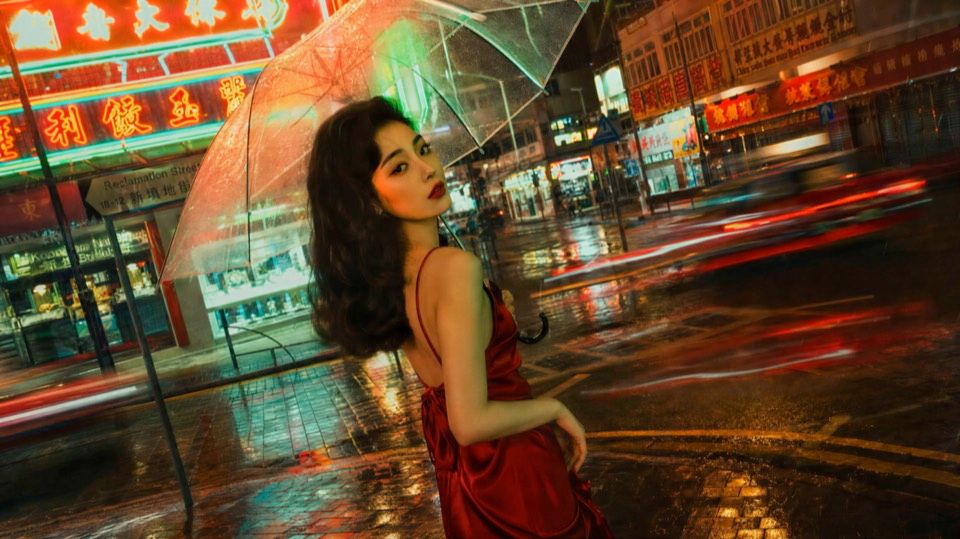
CityNeon Rain

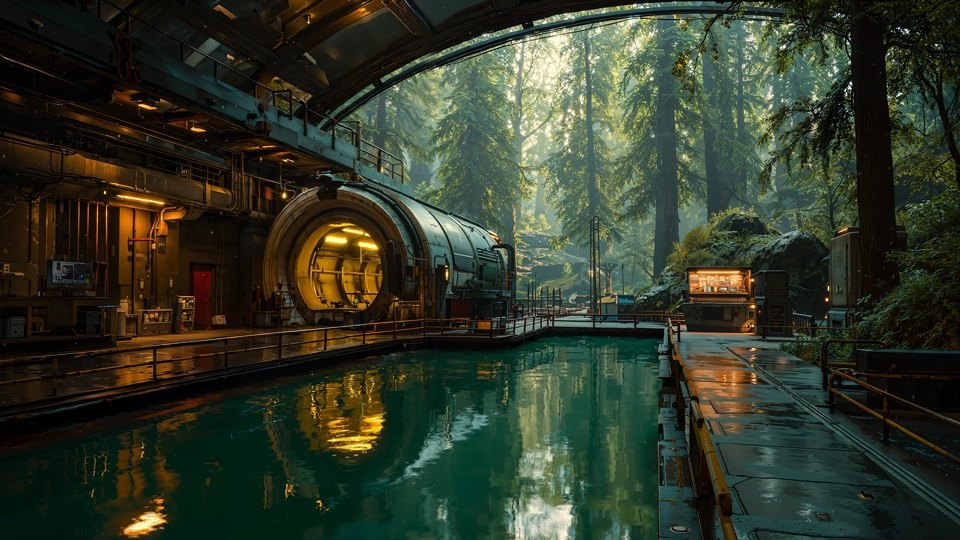
NatureForest Roundhouse

AnimeNeon Pulse

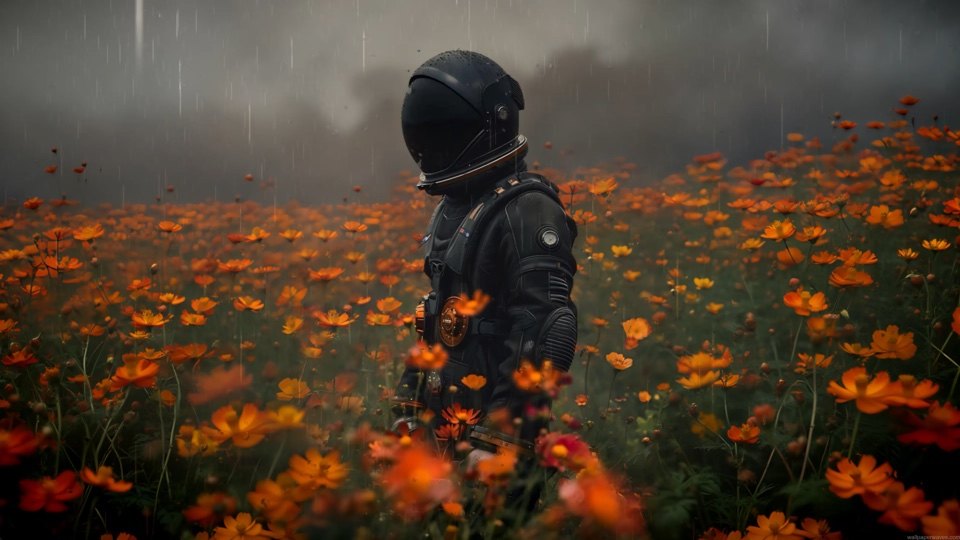
SpacePoppy Field

QuietCamp Under Stars

PortraitBlue Reverie

MotionFormula Smoke

NightAurora Pines

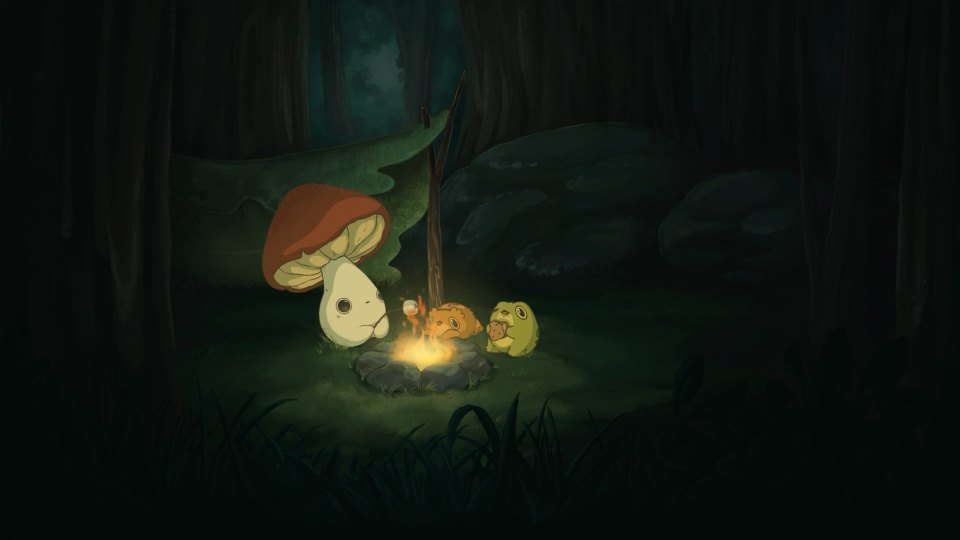
StoryForest Campfire

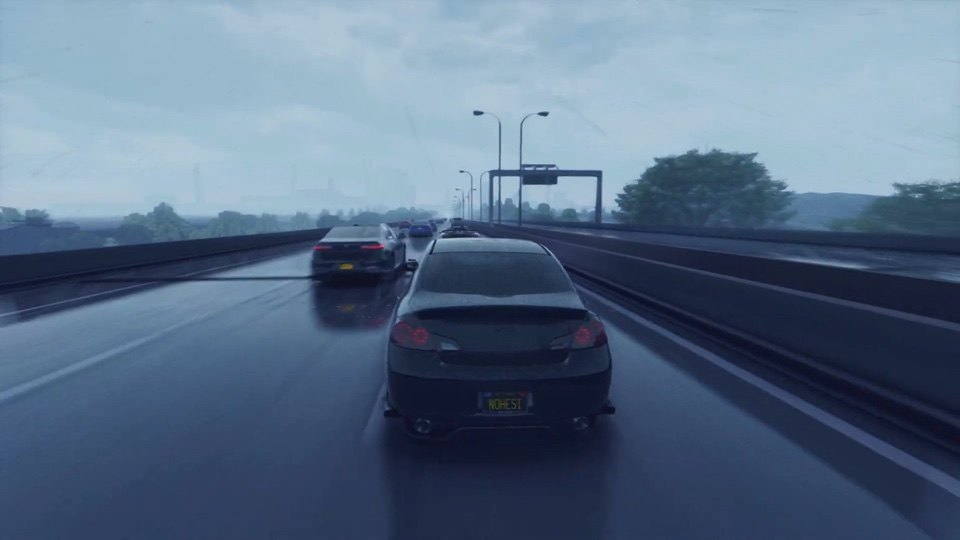
DriveRainy Highway

ArtTutto Passa

PlayfulCinema Night
125live scenes available now
4Khigh-resolution motion
Your mediaimport local images and videos
Music Desktop
Keep your player.
Change your desktop.
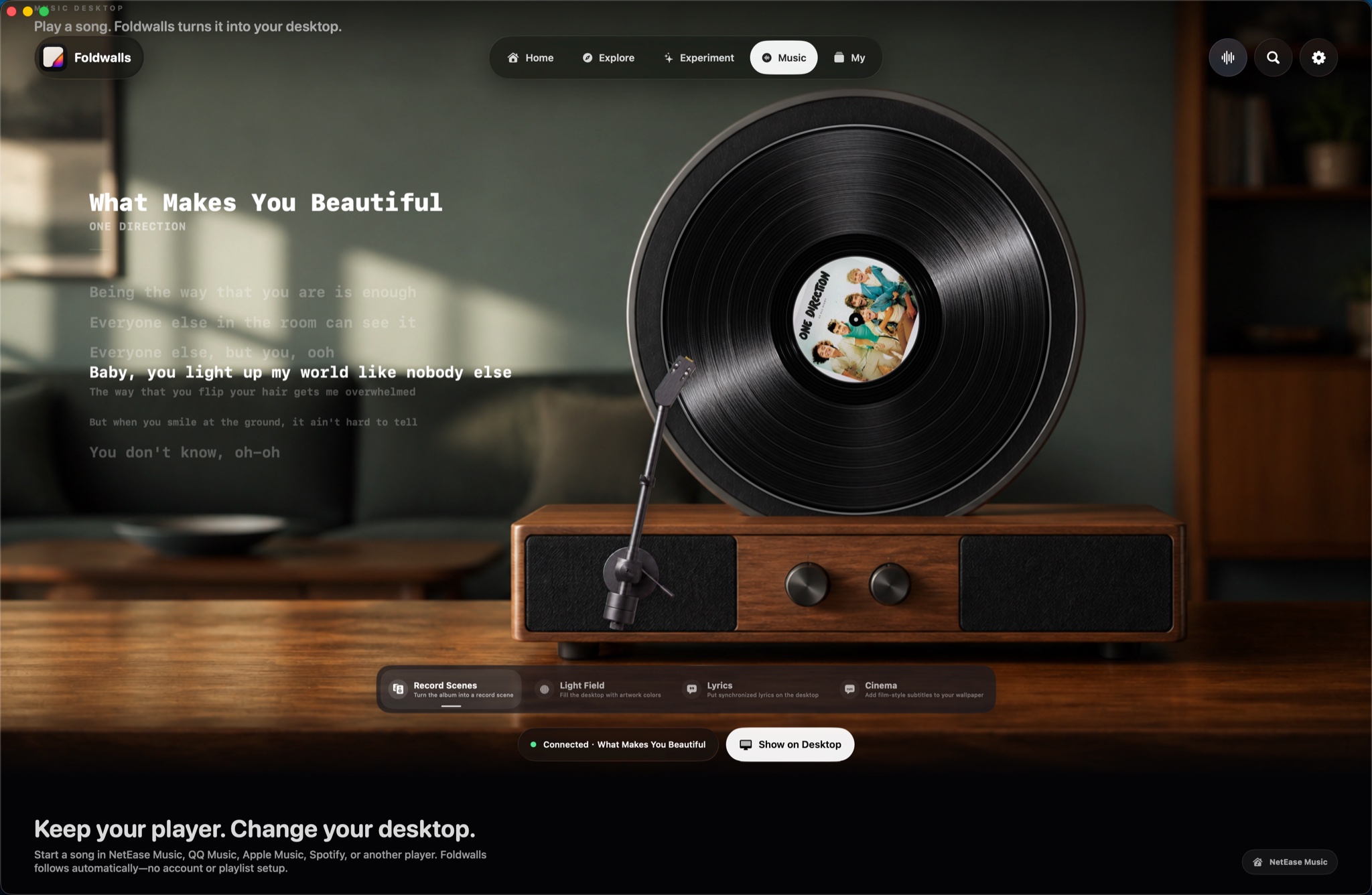
01 / Record Scenes
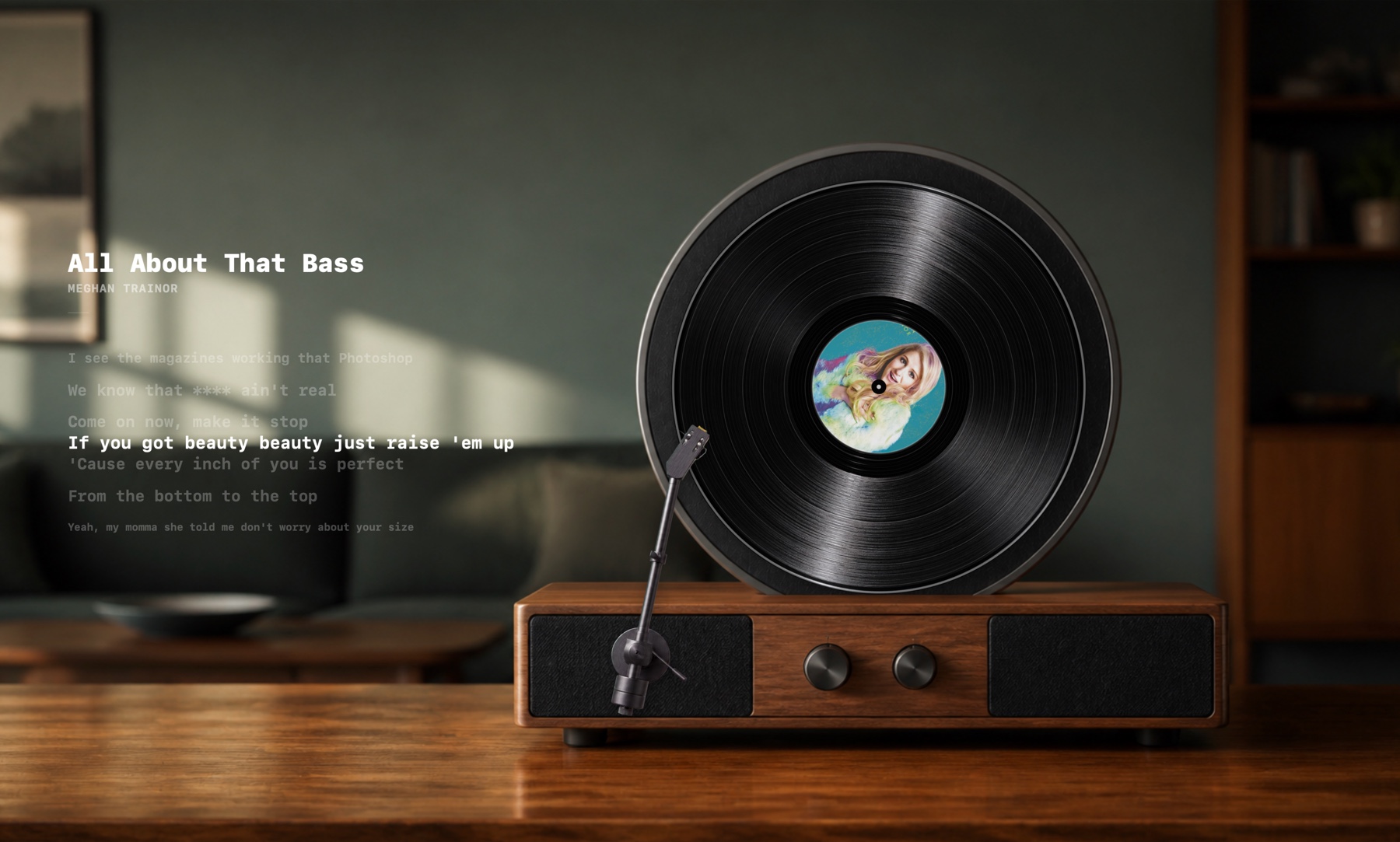
Artwork becomes the record.
Foldwalls turns the current album cover into the sleeve and center label. Playback drives the turntable while your existing music player keeps running.
- Follows system Now Playing
- Animated vinyl playback
- No music login inside Foldwalls
02 / Record Scenes
Lyrics sit beside the turntable.
Choose a record layout with more room for the song. Artwork, artist, playback progress and synchronized words stay together on the desktop.
- Artwork and song metadata
- Synced lyric focus
- Keeps the desktop readable
03 / Light Field
Album color fills the desktop.
Light Field samples the current artwork and expands its color into the whole scene, so every track can change the atmosphere without changing players.
- Artwork-aware color
- Full-screen ambient light
- Changes with every track
04 / Lyrics
The words stay in view.
Lyrics mode gives synchronized lines their own calm space. You can keep working without opening a separate lyrics window or covering the album artwork.
- Synchronized lines
- Multiple visual layouts
- Works beside your current player
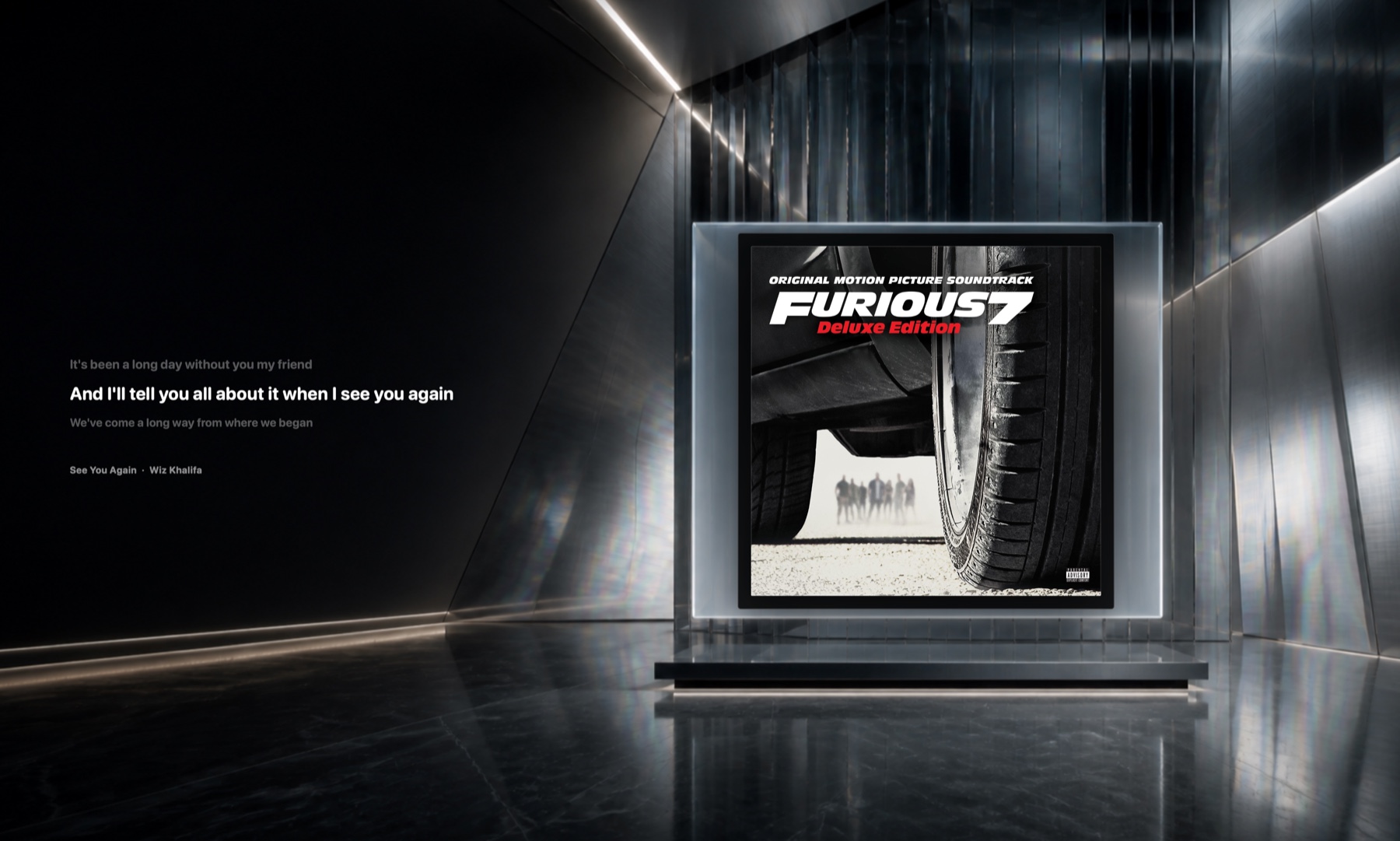
05 / Cinema
A song becomes a room.
Cinema combines artwork, architecture and lyrics into a single visual scene. It is designed to feel like part of the desktop, not another player window.
- Artwork-led environments
- Film-style lyric treatment
- Built for full-screen display
Scroll to move through every Music Desktop scene
Four scene types
Choose how a song
lives on the desktop.

Music Desktop
Record Scenes
Artwork becomes a record, sleeve and moving turntable.
Music Desktop
Light Field
Album colors spread softly across the desktop.
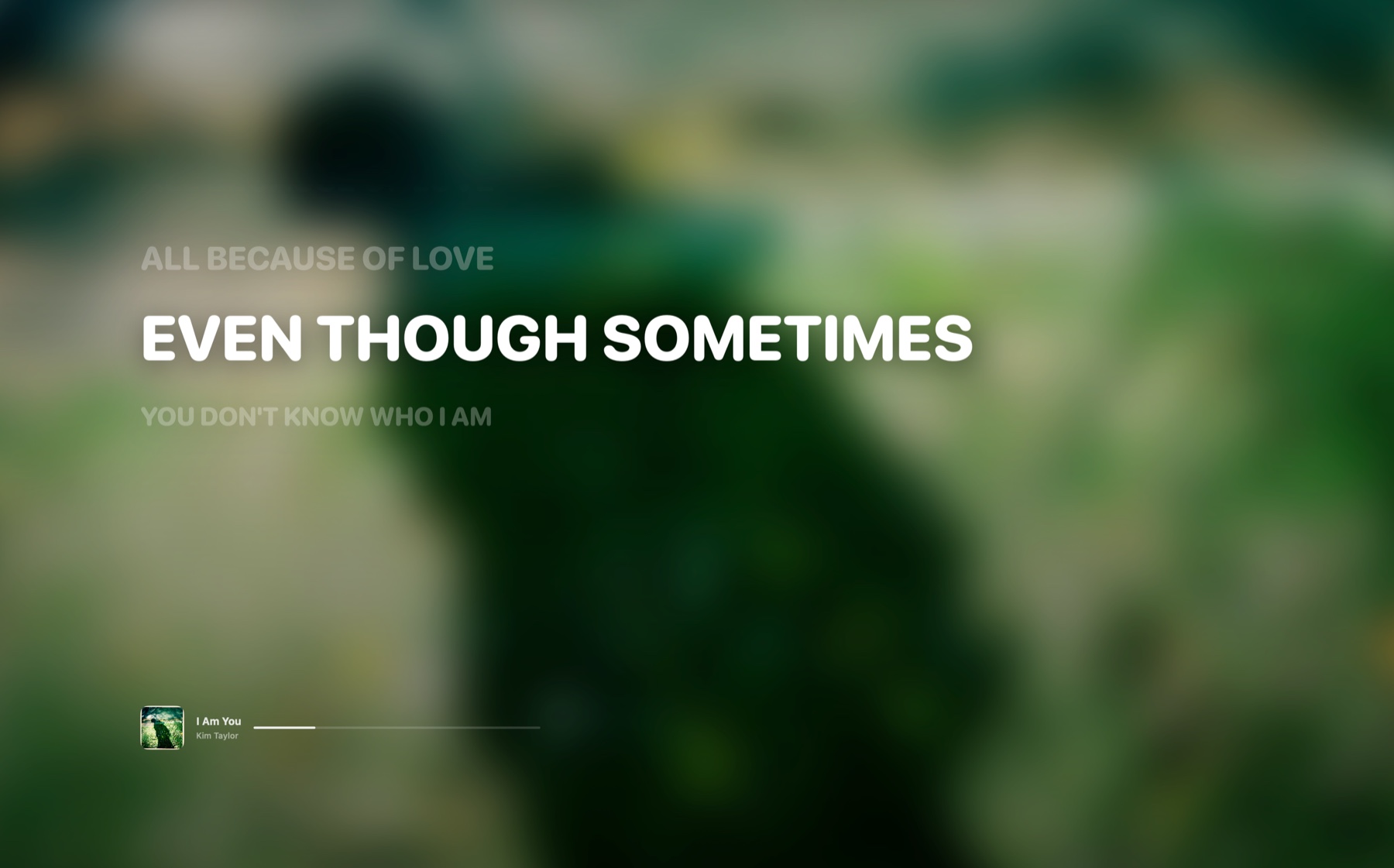
Music Desktop
Lyrics
Synchronized words remain readable while you work.
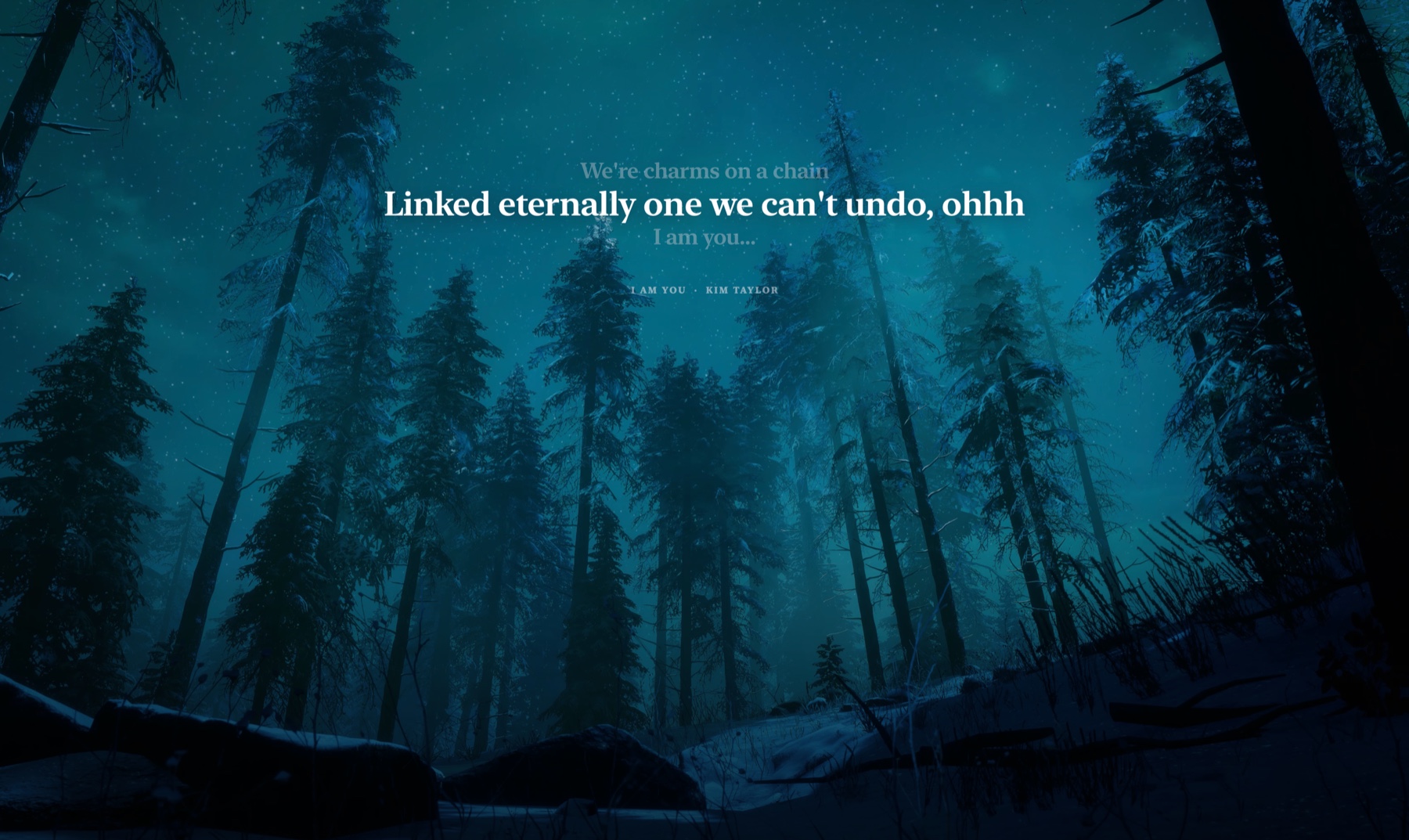
Music Desktop
Cinema
Artwork and lyrics are staged like a film scene.
Inside Foldwalls
One app. Five clear places.
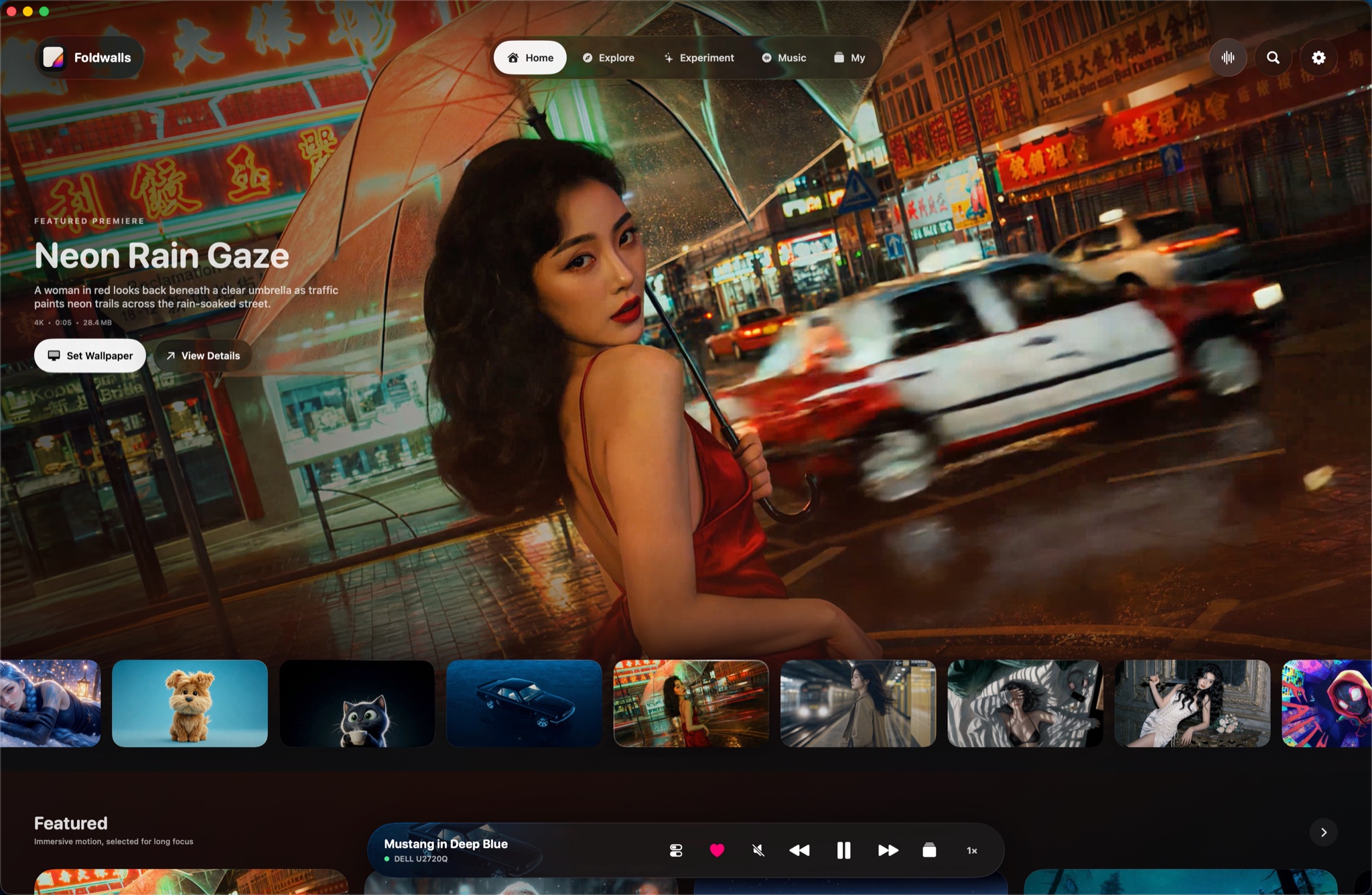
01 / Home
Set the scene in one click.
Featured wallpapers, recent scenes and playback controls live together. Choose a scene, pick the display and keep working.
- One-click wallpaper setup
- Playback and display controls
- Featured scene rotation

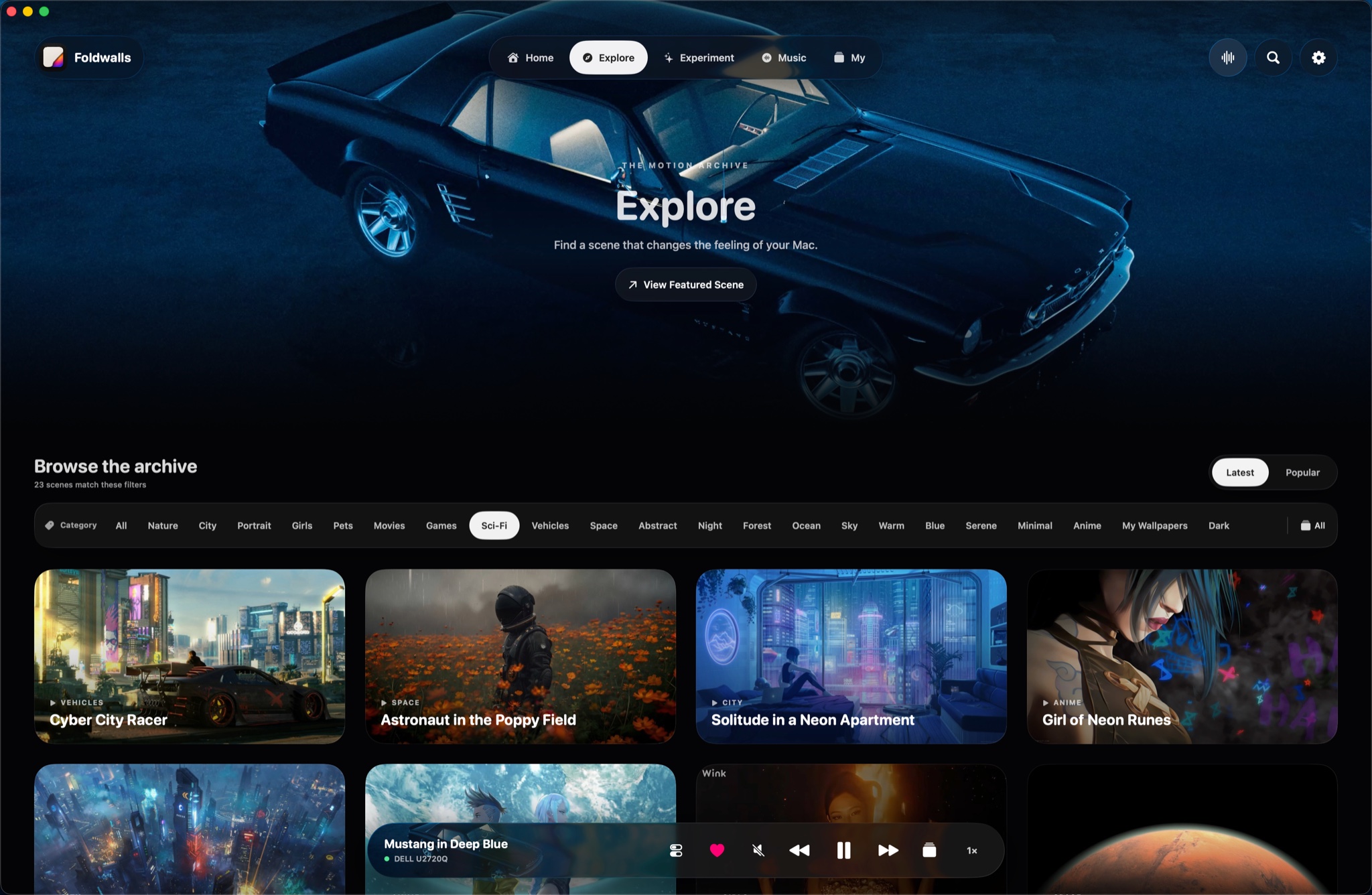
02 / Explore
Find the right wallpaper faster.
Browse the full archive by mood, subject or style. Preview a scene before downloading and move between latest and popular collections.
- Category and mood filters
- Live preview before download
- A growing wallpaper archive

03 / Interactive Lab
Some wallpapers wait for you.
Cursor companions, 360° panoramas, real 3D models and responsive typography add input to the desktop instead of playing the same loop forever.
- Pointer and touch input
- Panorama and 3D scenes
- Text Curtain experiences

04 / Music Desktop
Keep the player you already use.
Foldwalls follows compatible media already playing on your Mac, then brings artwork, progress and synchronized lyrics onto the desktop.
- Apple Music, Spotify, NetEase and more
- No account required in Foldwalls
- Four Music Desktop scene types

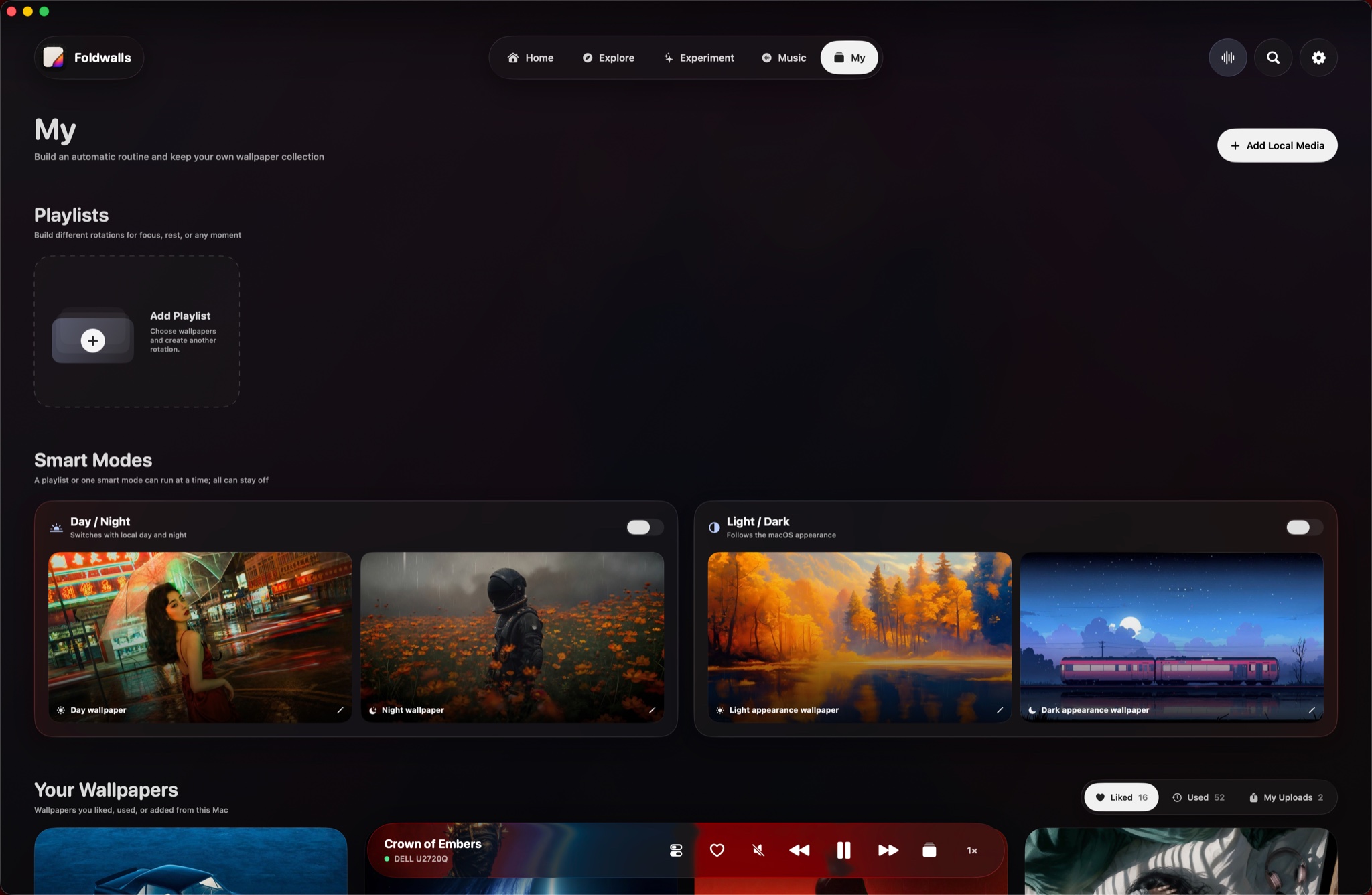
05 / My
Your files belong here too.
Upload local images and videos, build wallpaper playlists and automate Day/Night or Light/Dark switching without sending personal media to Foldwalls.
- Local image and video import
- Custom playlists
- Day/Night and Light/Dark modes

Interactive Lab
Experiment
Choose a mode, then move, drag or scroll to try it.01 Pointer Pet02 360° Panorama03 3D Models04 Text Curtain
Four live experiences
Four ways a wallpaper
can answer back.
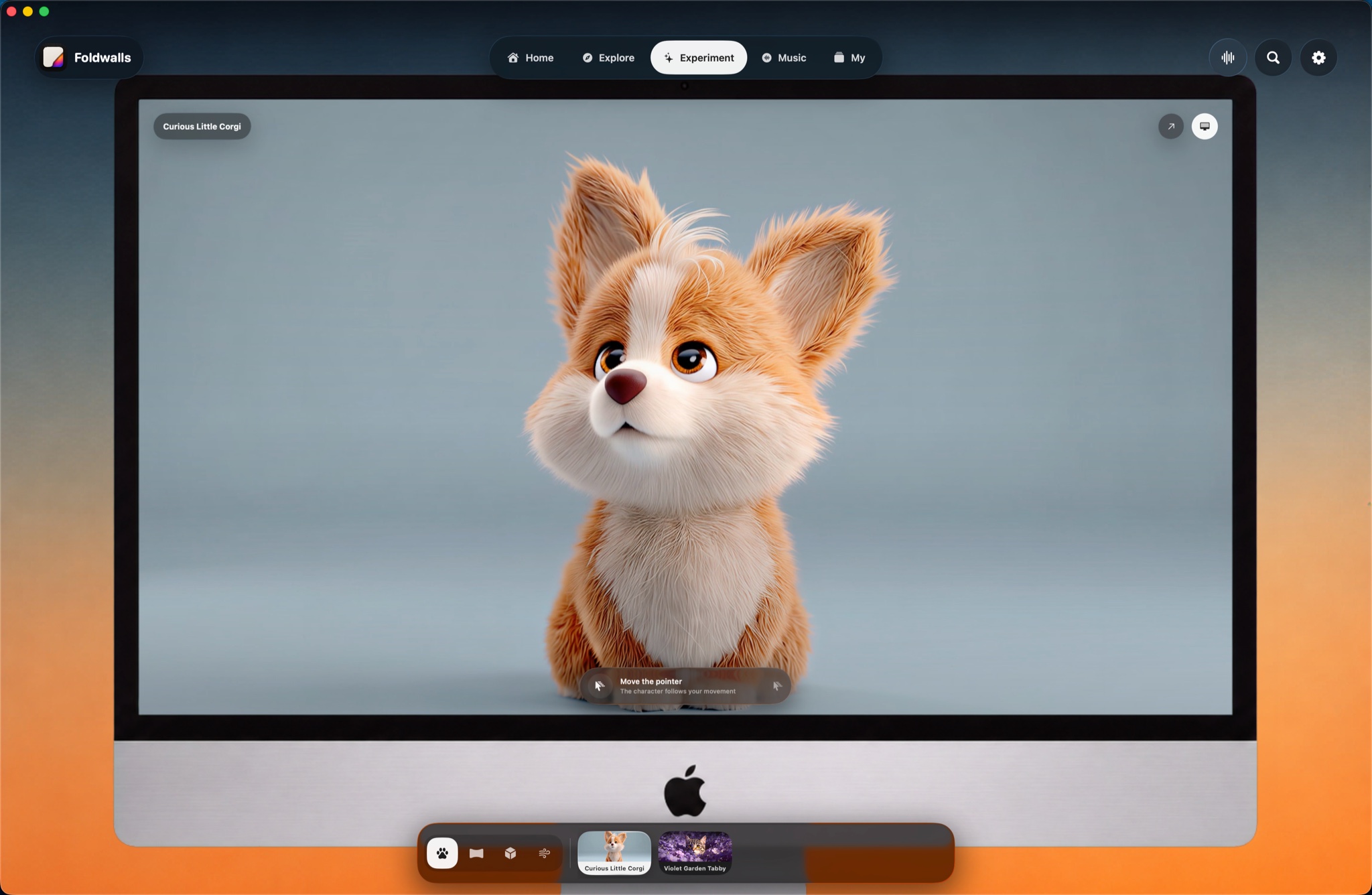
These previews are the interactions themselves—not screenshots of them.01 / Pointer Pet
Move the pointer.
Characters follow your position instead of replaying a fixed loop.Pointer Pet
↖
Move across the scene
02 / 360° Panorama
Drag the world.
Hold and drag to look around a complete panoramic environment.360° Panorama
03 / 3D Models
Turn every angle.
Drag to rotate a complete 3D scene. The composition stays fixed—there is no zoom.3D Models
04 / Text Curtain
Move through words.
The pointer passes through thousands of hanging glyphs like wind.Text Curtain
Everything in Foldwalls
Your desktop,
finally yours.
Live wallpaper, music, interaction and the controls that make every scene practical on a Mac.
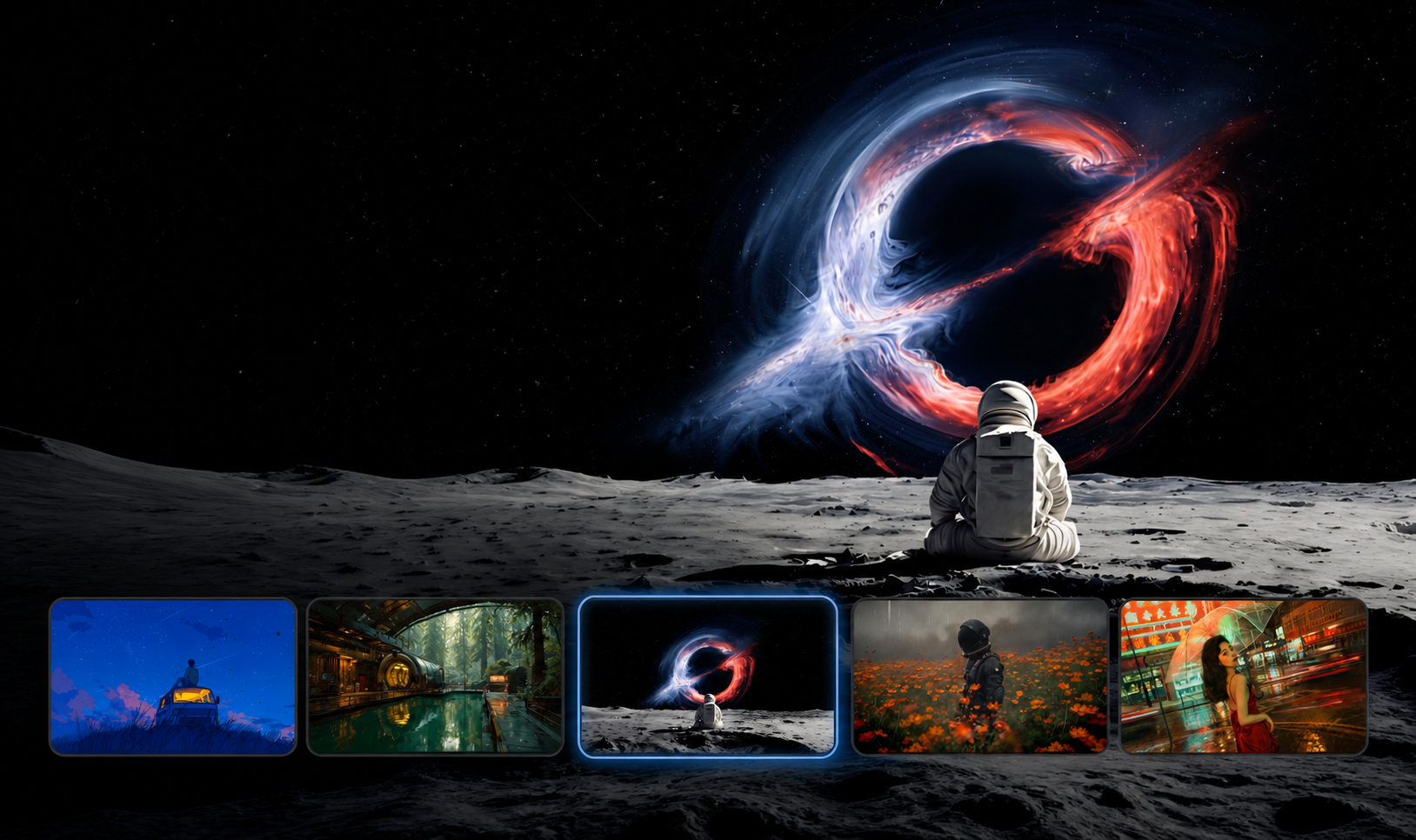
A scene for every desktop.
Preview a growing collection of curated motion wallpapers before setting one.
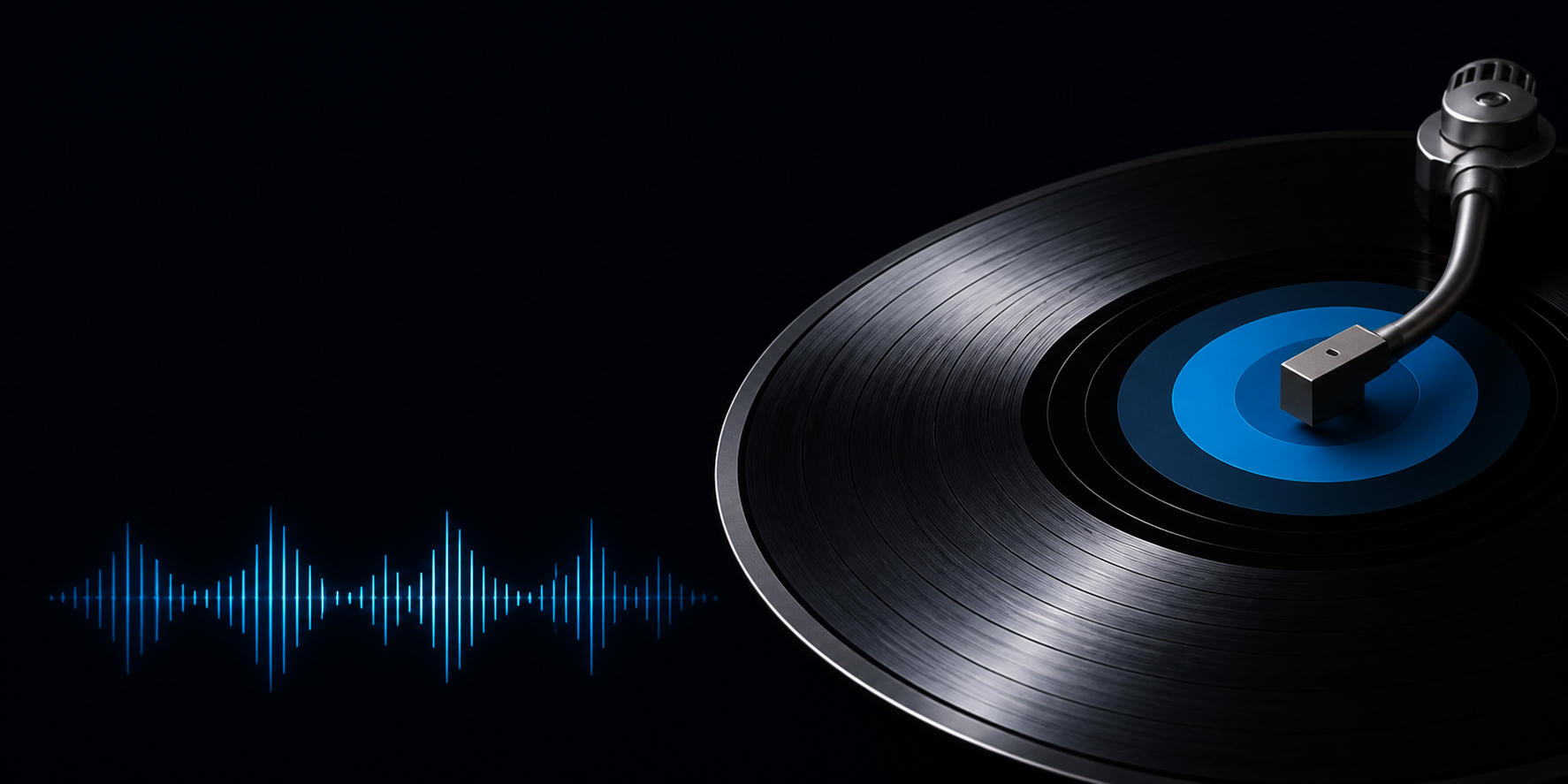
Your player changes the room.
Artwork, progress and synced lyrics follow the song already playing.

The scene answers back.
Pointer pets, panoramas, 3D models and responsive type.
Bring your own collection.
Import local images and videos without uploading them.
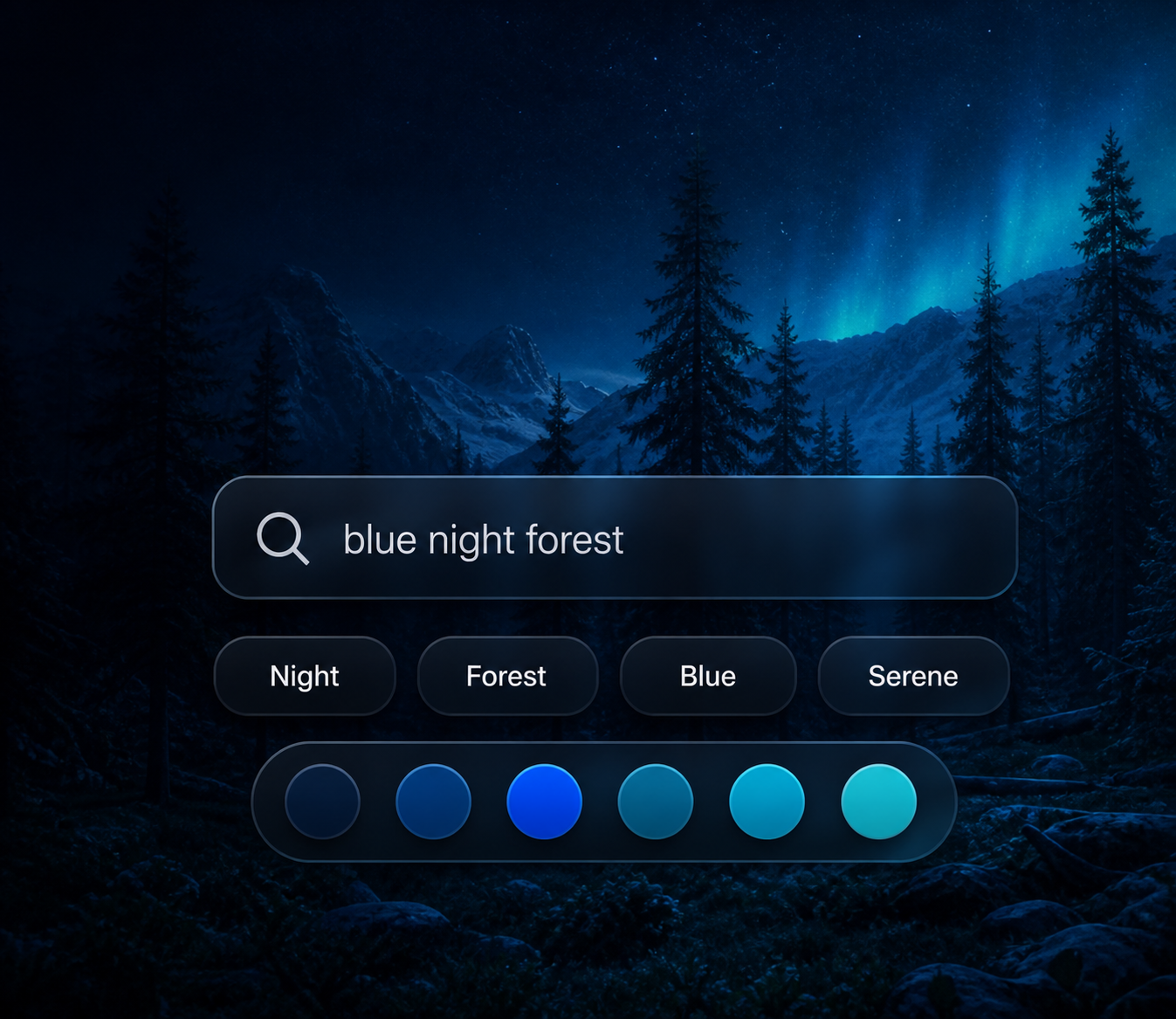
Find a scene by feeling.
Filter by subject, mood, color and style.
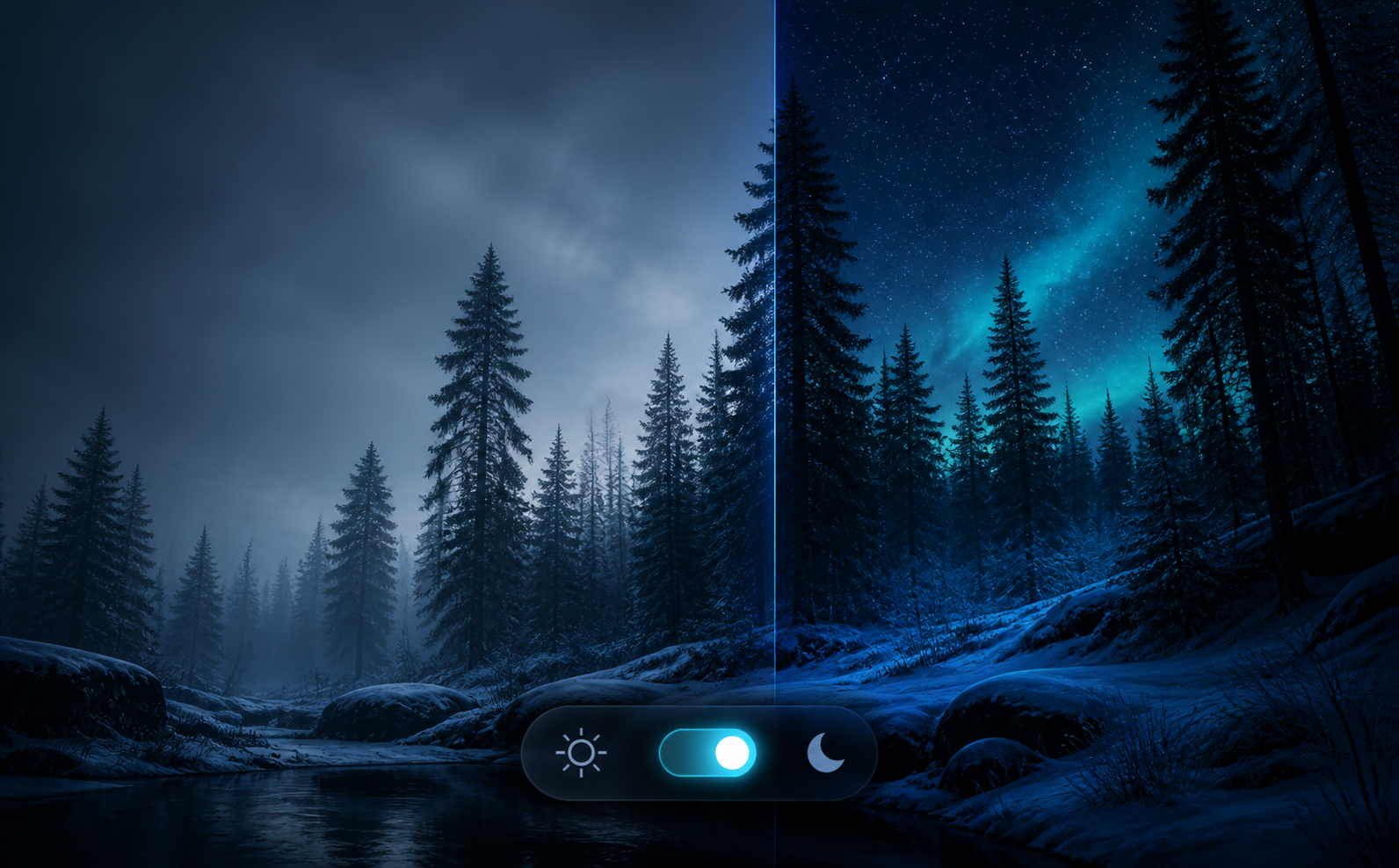
Changes with your Mac.
Switch by day, night, Light Mode or Dark Mode.
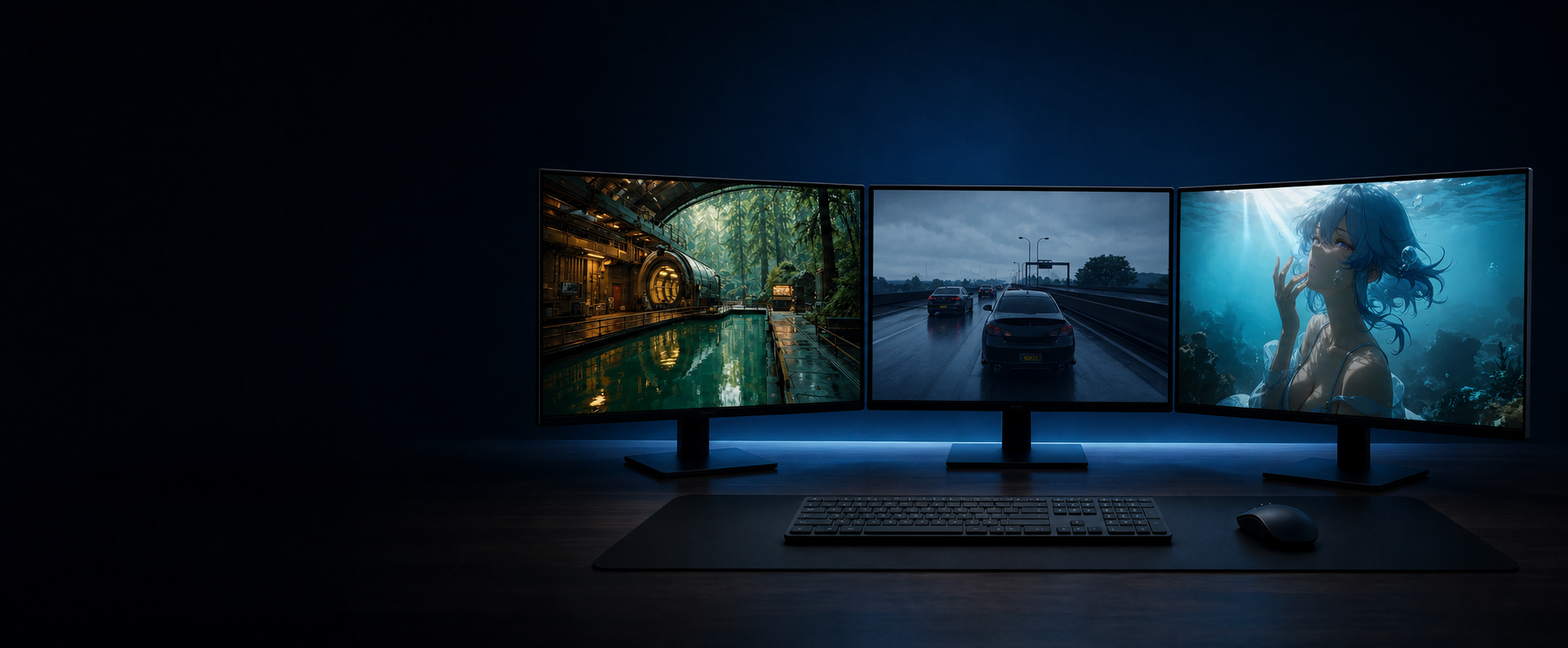
One scene—or one per screen.
Route wallpapers independently across connected displays.
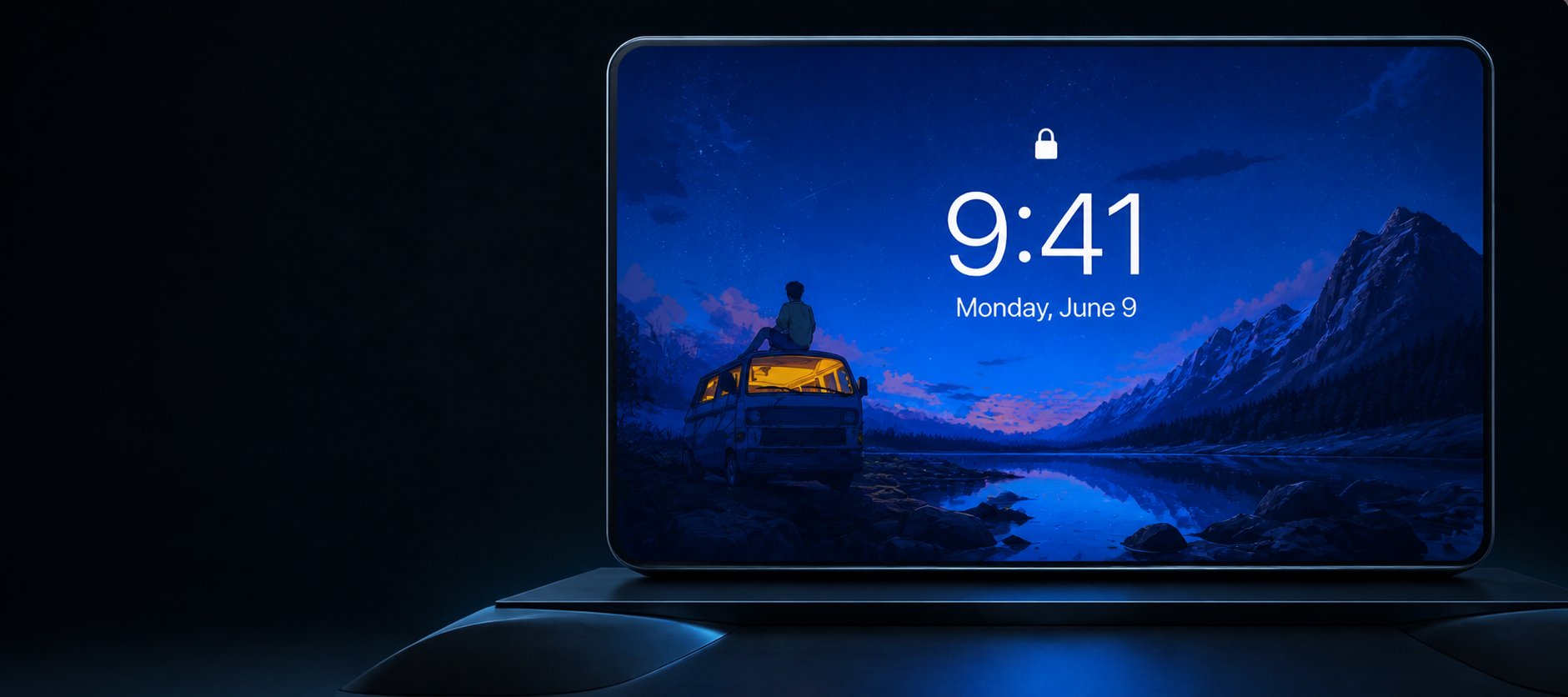
Keep the scene between sessions.
Carry compatible wallpapers onto the macOS Lock Screen.
Native performance.
GPU acceleration, battery controls and automatic pause keep resource use in check.
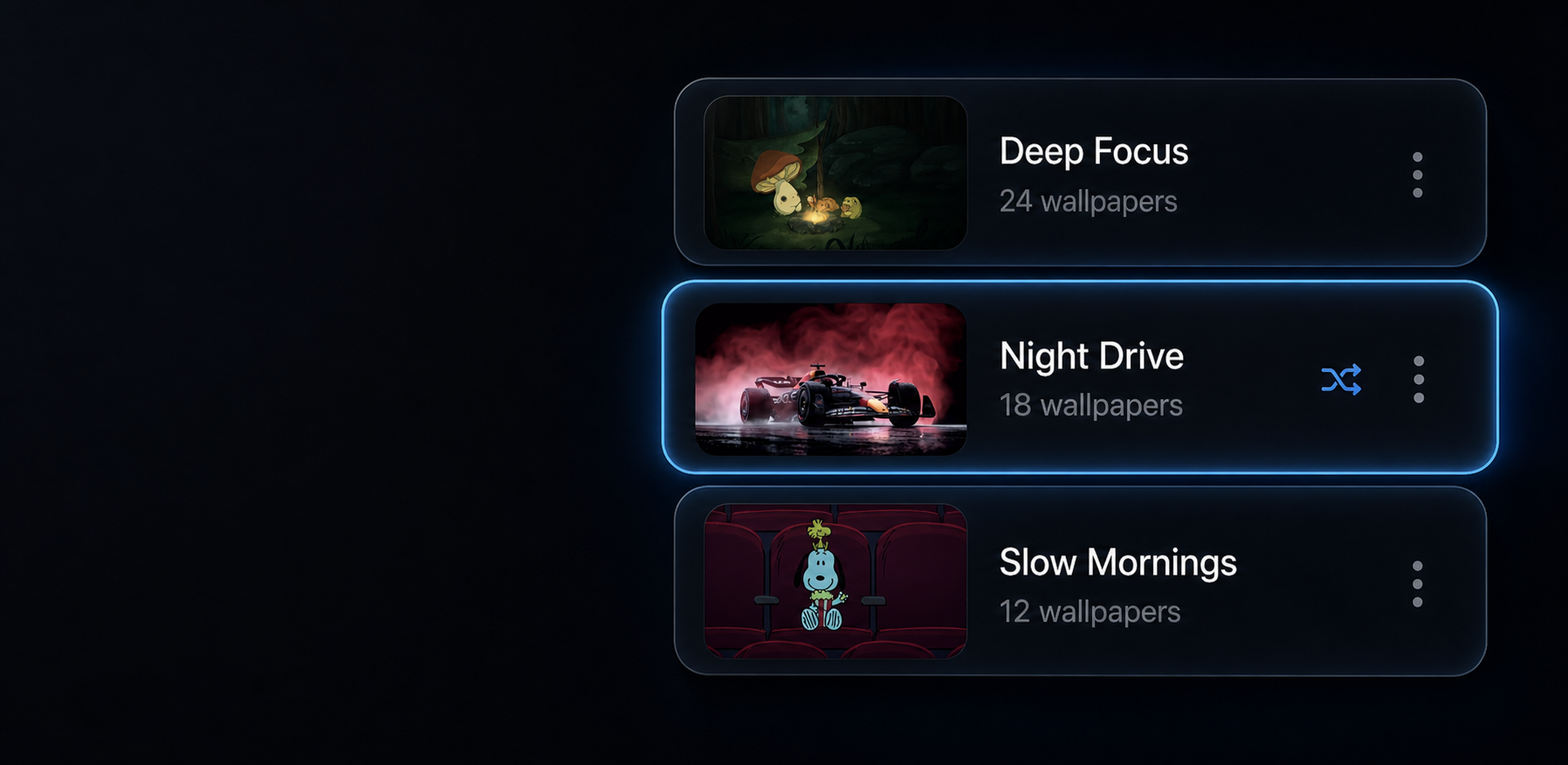
Build a rhythm for your desktop.
Save favorites, rotate scenes and schedule the collection for the moment.
Simple pricing
Start free.
Keep Pro for life.
The wallpaper library and your own media stay free. Pro is one purchase for Music Desktop, interactive scenes and everything we add next.
$0forever
A complete live-wallpaper app, not a limited preview. Download it and start with the full library.
Download freeIncluded free
- ✓The complete live wallpaper library
- ✓Import your own images and videos
- ✓Playback, sound and loop controls
- ✓Multi-display wallpaper support
- ✓Smart pause on battery and full-screen apps
ONE-TIME
$69.90one-time
Make music, interaction and the whole desktop part of the scene—on up to three personal Macs.
Unlock Pro ↗Everything in Free, plus
- ✓Music Desktop and every visual scene
- ✓Cursor companions and interactive wallpapers
- ✓360° panoramas, 3D models and responsive type
- ✓All future Foldwalls Pro experiences
- ✓Activate on up to 3 personal Macs
Questions, answered
Before you download.
Will Foldwalls slow down my Mac?
Foldwalls can pause on battery, in Low Power Mode and behind full-screen apps. Resource use also depends on the selected scene.
Can I use a different wallpaper on each display?
Yes. Foldwalls supports multi-display setups and independent display controls.
Do I need to change music players?
No. Music Desktop follows compatible media already playing on your Mac.
Can I use my own videos?
Yes. Import local images and videos directly. They are not uploaded to Foldwalls.
Is Foldwalls Pro a subscription?
No. Foldwalls Pro is a one-time purchase for up to three personal Macs.